Stay active while you're away with TrickTack
Simulates mouse, keyboard, and app activity so your time tracker never goes idle. Lightweight, invisible, and natural-looking.
Download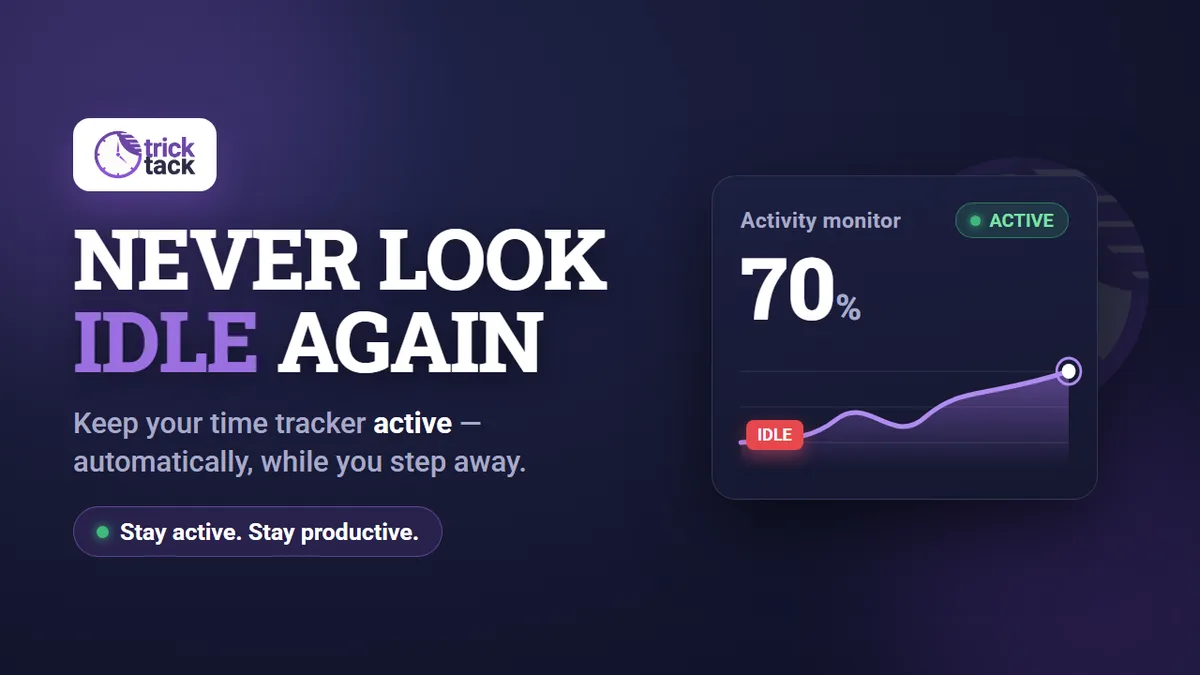
Simulates mouse, keyboard, and app activity so your time tracker never goes idle. Lightweight, invisible, and natural-looking.
DownloadRandomized, natural movements with adjustable speed across 5 intensity levels.
Realistic keystrokes with natural timing. Won't interfere with your open apps.
Vertical and horizontal scrolling that mimics real browsing behavior.
Switches between windows and browser tabs to simulate multitasking.
TrickTack generates randomized mouse movements, realistic keystrokes, natural scrolling, and switches between apps — exactly like a human would. Every action is randomized to look like genuine activity, not a repeating script.
See how it worksAuto-starts when you step away, stops when you return. Fully hands-free.
Set daily start/stop times, pick active days, and configure break intervals.
Stops activity after a set duration. No need to remember to turn it off.
Start, stop, or toggle features instantly. ALT+A to go, ALT+X to stop.
TrickTack detects when you step away and kicks in automatically. Schedule your active hours, set break intervals, configure auto-stop timers, and use hotkeys for instant control. It works your day so you don't have to think about it.
Start your 7-day free trialSingle portable exe. No installer, no admin rights, no registry changes.
Runs invisibly in the system tray. No visible windows, no footprint.
Under 1 MB, near-zero CPU usage. Your system won't even notice it.
Fine-tune every simulation to match any monitoring tool's sensitivity.
No install, no admin rights, no trace. Runs silently in the system tray with near-zero CPU usage. Fine-tune intensity across 5 levels to match any monitoring tool.
Billed monthly
Billed monthly
Billed monthly
All plans include a 7-day free trial. Cancel anytime. No commitment.
A lightweight desktop app that simulates natural mouse, keyboard, scroll, and app-switching activity — keeping your time tracker active while you step away.
No. TrickTack is a single portable .exe file. Just download and run — no installer, no admin rights, no registry changes.
TrickTack runs in the system tray with no visible windows. The activity it generates mimics real human behavior patterns, so common monitoring tools see natural-looking activity rather than a robotic loop. No tool can guarantee it will never be detected, and screenshots or output reviews can still show gaps.
All of them — Hubstaff, Time Doctor, DeskTime, Toggl, TSheets, Workpuls, TeamLogger, and any other tool that monitors mouse/keyboard activity.
Yes — all plans include a 7-day free trial with full access to every feature. Your card won't be charged until the trial ends, and you can cancel anytime.
Basic covers mouse and keyboard. Pro adds scrolling, app switching, and tab switching. Premium unlocks idle detection, scheduling, auto-stop timer, and break intervals.
Email support@trick-tack.com anytime. No cancellation fees, no hoops. If you cancel within 30 days, we'll refund you — no questions asked.
Yes. TrickTack is available for Windows, macOS, and Linux. Download all versions at trick-tack.com/download.

Hubstaff tracks screenshots, activity levels, and GPS. Learn how it monitors your work and tips for consistent reports.
Read more →
Toggl uses manual timers and browser extensions for tracking. Learn how it works and tips for consistent time entries.
Read more →
Time Doctor tracks apps, screenshots, and idle time. Learn how it monitors activity and how to keep reports consistent.
Read more →
DeskTime categorizes your apps as productive or unproductive. Learn how it works and tips for consistent reports.
Read more →
RescueTime scores your productivity automatically. Learn how its tracking works and tips for consistent daily scores.
Read more →
ActivTrak monitors app usage, websites, and productivity patterns. Learn how it tracks and tips for consistent reports.
Read more →
Teramind records screens, keystrokes, and email. Learn how it monitors and tips for keeping activity consistent.
Read more →
Insightful tracks screenshots, app usage, and idle time with second-by-second precision. Learn how it works and stay consistent.
Read more →
Sapience and ProHance monitor desktop activity in enterprise environments. Learn how they work and tips for consistent reports.
Read more →Share TrickTack with your audience and earn half of every subscription payment — every month, for as long as your referrals stay subscribed.
Learn more about the program →See how your earnings compound over time