What Is Toggl Track?
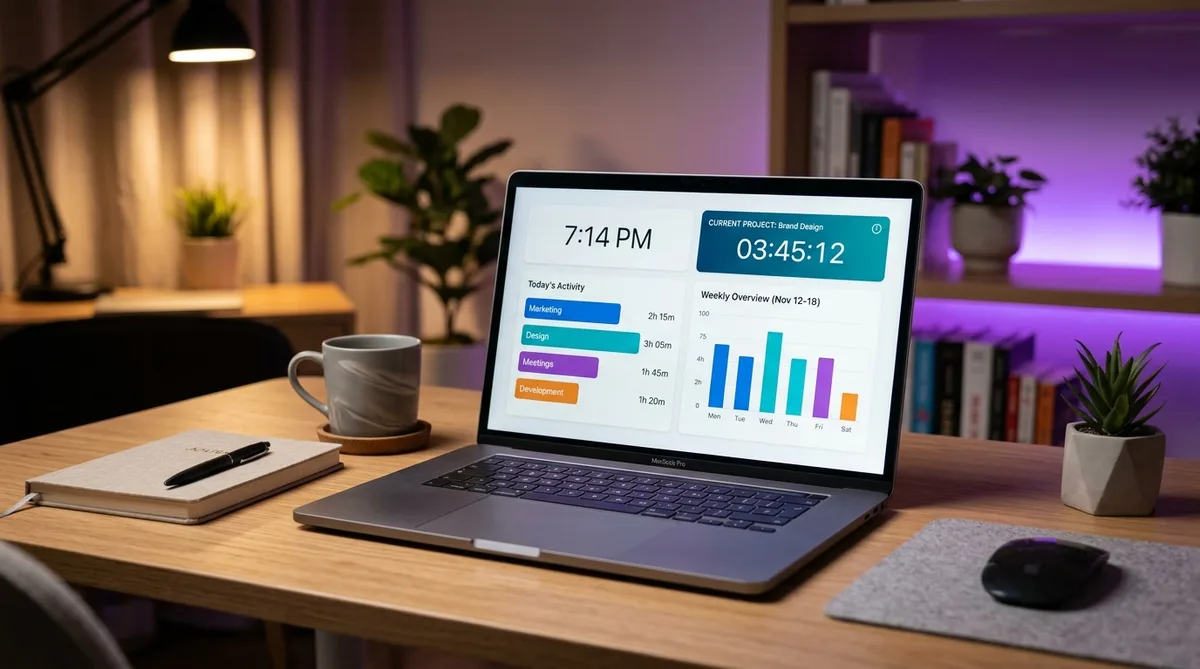
Toggl Track is a lightweight time tracking app built around one simple idea: start a timer when you begin working, stop it when you finish. Created by Toggl OÜ in Tallinn, Estonia, and in active development since 2006, it has grown to more than five million users across freelancers, agencies, and remote teams.
What makes Toggl stand out is what it deliberately leaves out. Where tools like Hubstaff and Time Doctor capture screenshots, score activity levels, and track location, Toggl does none of that. It records how time is allocated, not what employees do minute to minute — which makes it one of the least invasive trackers on the market and a favorite of teams that want accountability without surveillance.
This review covers Toggl Track's core features, its current 2026 pricing, the trade-offs to weigh before committing, and the strongest alternatives. If you are weighing its software-first workflow against a physical habit cue, start with our worker-focused Toggl vs Timeular comparison. If you specifically want to understand its idle detection and how to keep a timer running cleanly through breaks, our companion guide on how Toggl Track tracks time goes deeper on that. For a broader look at how monitoring and tracking tools work, see our guide to cheating time tracking software.
Key Toggl Track Features
Timer-Based Time Tracking
At its core, Toggl is a one-click timer. You type what you are working on, optionally tag it with a project, client, and labels, and hit start. You can also enter time manually, duplicate previous entries, or block out time in a calendar view. There is no automatic background monitoring — what gets tracked is entirely in the user's hands, which is exactly why employees tend not to resent it.
The timer follows you everywhere: a web app, native desktop apps, mobile apps, and browser extensions all sync in real time. Start a timer on your laptop, stop it from your phone, and the entry is the same. This frictionless capture is the single biggest reason Toggl has the reputation it does — the easier tracking is, the more reliably people actually do it.
Reports and Billable Rates
Toggl turns tracked time into summary, detailed, and weekly reports that break hours down by project, client, team member, or tag. Reports can be filtered, saved, exported to CSV or PDF, and (on paid plans) scheduled to email automatically. For anyone who bills by the hour, this is the heart of the product.
Paid plans add billable rates at the workspace, project, or member level, so tracked hours convert straight into billable amounts. Premium layers on profitability tracking — labor cost versus revenue, fixed-fee projects, and project forecasts — which is what turns Toggl from a personal timer into an agency margin tool.
Timeline and Idle Detection
The desktop app has an optional Timeline that records which apps and websites you use during the day. The crucial detail: this data is private to you and never visible to managers or admins. It exists purely to help you reconstruct time entries for periods you forgot to track — the opposite of the manager-facing app monitoring built into surveillance tools.
The desktop app also includes idle detection. After a configurable period with no mouse or keyboard input (5 minutes by default), Toggl shows a popup when you return and lets you keep, discard, or split the idle time. It only runs on desktop — the web and mobile timers keep running regardless — and the threshold is adjustable under Settings. This is the one place where Toggl pays attention to raw input, and we cover it in detail in our Toggl Track guide.
Integrations and Platforms
Toggl connects to 100+ tools — Asana, Jira, Trello, Notion, Slack, GitHub, Google Calendar, and many more — mostly through its browser extension, which injects a one-click start button directly inside those apps. Calendar integrations overlay your tracked time on your Google or Outlook schedule so gaps are easy to spot.
On platforms, Toggl is genuinely everywhere: Windows, macOS, and Linux desktop apps, iOS and Android mobile apps, a full web app, and Chrome, Firefox, and Edge extensions. The desktop and mobile apps also support offline tracking, syncing automatically once you reconnect.
Toggl Track Pricing in 2026
Toggl uses per-user, per-month pricing. The rates below are the annual-billing prices; paying month-to-month costs roughly 10% more (about $10 and $20 per user respectively). All paid plans include a 30-day free trial with no credit card required.
| Plan | Price (annual, per user/mo) | Best for |
|---|---|---|
| Free | $0 (up to 5 users) | Solo freelancers and tiny teams |
| Starter | $9 | Freelancers and small teams billing clients |
| Premium | $18 | Agencies managing profit and approvals |
| Enterprise | Custom | Large orgs needing onboarding and control |
Free — $0 (up to 5 users)
- Unlimited time tracking across web, desktop, and mobile
- 100+ integrations via the browser extension
- Basic summary and detailed reports
- Pomodoro timer and idle detection (desktop)
Starter — $9/user/month (billed annually)
- Everything in Free
- Billable rates and billable amounts
- Project time estimates and alerts
- Project templates, tasks, and saved reports
Premium — $18/user/month (billed annually)
- Everything in Starter
- Profitability tracking (labor cost vs revenue) and fixed-fee projects
- Timesheet approvals and scheduled reports
- Time audits, required fields, locked entries, and single sign-on
Compared with rivals: Clockify matches Toggl's five-user free cap but undercuts it sharply on paid tiers, making it the budget pick; Harvest bundles invoicing if billing is your priority; and monitoring tools like Hubstaff sit in a different category entirely, trading Toggl's privacy for screenshots and activity scores.
Pros and Cons
What Toggl Track Does Well
- No surveillance — No screenshots, keystroke logging, or activity scores. Privacy-respecting by design, which makes adoption painless.
- Genuinely useful free plan — Up to five users with unlimited tracking and 100+ integrations, not a crippled trial.
- Fast, clean experience — The one-click timer and browser extension make tracking almost frictionless, so people actually keep it up.
- Strong reporting and billing — Flexible reports, billable rates, and exports make client billing straightforward.
- Cross-platform with offline support — Native apps for Windows, macOS, Linux, iOS, and Android, all syncing offline entries.
Where Toggl Track Falls Short
- No employee monitoring — If you genuinely need screenshots, activity proof, or GPS, Toggl is the wrong tool by design.
- Relies on people remembering the timer — Manual tracking means missed entries; reminders and Timeline help, but the discipline is on the user.
- Premium is pricey — At $18/user/month, Toggl Premium costs noticeably more than comparable tiers from Clockify.
- Advanced billing is gated — Profitability, approvals, and fixed-fee projects are Premium-only.
- Free plan caps at five users — Growing teams hit the paid wall sooner than with some free competitors.
Toggl Track Alternatives
Clockify
Clockify is Toggl's closest budget rival. Both free plans now cap at five users, but Clockify's paid tiers undercut Toggl significantly, which makes it the obvious budget choice. Toggl generally has the more polished interface and reporting, but if cost is the deciding factor, Clockify is hard to beat. See our full Toggl vs Clockify comparison.
Harvest
Harvest pairs time tracking with built-in invoicing and payments, so if your main goal is to bill clients and get paid in one place, it can replace both a tracker and an invoicing tool. Toggl's reporting is more flexible, but Harvest wins on end-to-end billing. Compare them in Harvest vs Toggl.
Hubstaff and Time Doctor
If you actually need monitoring — screenshots, activity levels, or GPS for field teams — then Hubstaff or Time Doctor are the tools to look at, not Toggl. They answer a different question (proof of work) at the cost of employee privacy. See Hubstaff vs Toggl for the trade-off in full.
TrickTack
Toggl's one input-sensitive feature is its desktop idle detection popup, which interrupts you if you step away mid-timer. If you want your timer to run cleanly through reading, calls, or short breaks, TrickTack simulates natural mouse movement, keystrokes, and scrolling so the idle prompt does not fire. You can see exactly what it generates in the documentation.
Keep Your Toggl Track Timer Running
TrickTack simulates natural mouse, keyboard, and scrolling activity so Toggl's desktop idle detection doesn't interrupt you during breaks. Try it free for 7 days.
DownloadFrequently Asked Questions
How much does Toggl Track cost?
Toggl Track has a free plan for up to five users and two main paid tiers, priced per user per month. The headline rates are billed annually; monthly billing costs about 10% more. Starter is $9/user/month annually (around $10 monthly) and adds billable rates, project time estimates, billable amounts, and saved reports. Premium is $18/user/month annually (around $20 monthly) and adds profitability tracking, fixed-fee projects, timesheet approvals, scheduled reports, and single sign-on. Enterprise is custom. All paid plans include a 30-day free trial with no credit card required.
Does Toggl Track take screenshots or monitor employees?
No. Toggl Track is a time tracker, not an employee monitoring tool, so it does not take screenshots, log keystrokes, calculate activity percentages, or capture GPS location. The desktop app has an optional Timeline feature that records which apps and websites you use, but that data is private to you and never visible to managers or admins. This makes Toggl one of the least invasive tracking tools available and a popular choice for teams that want accountability without surveillance. It sits at the opposite end of the spectrum from tools like Hubstaff or Time Doctor.
Is Toggl Track free?
Yes. Toggl Track offers a genuinely useful free plan for up to five users that includes unlimited time tracking across the web, desktop, and mobile apps, more than 100 integrations through the browser extension, basic reports, and the Pomodoro timer. The free plan does not include billable rates, project time estimates, or the timesheet and profitability features of the paid tiers. For solo freelancers and very small teams it is often all you need, and you can upgrade to Starter or Premium as the team grows.
What is the difference between Toggl Track Starter and Premium?
Starter ($9/user/month annually) is aimed at freelancers and small teams that bill clients: it adds billable rates, project time estimates and alerts, billable amounts, project templates, and saved reports on top of the free plan. Premium ($18/user/month annually) is built for agencies and larger teams that manage profitability and approvals: it adds labor-cost and profit tracking, fixed-fee projects, timesheet approvals, scheduled reports, time-audit tools, required fields, locked time entries, single sign-on, and Jira and Salesforce integrations. If you only need to track and bill hours, Starter is enough; if you manage project margins and approve timesheets, Premium is worth the step up.
Does Toggl Track work on Mac, Linux, and offline?
Yes. Toggl Track has native desktop apps for Windows, macOS, and Linux, mobile apps for iOS and Android, a web app, and browser extensions for Chrome, Firefox, and Edge. The desktop and mobile apps support offline time tracking — entries are stored locally and sync automatically once you reconnect — so you can keep tracking on a plane or through a dropped connection. The browser extension adds one-click timers inside more than 100 web tools such as Asana, Jira, Trello, and Google Calendar.
Conclusion
Toggl Track is the gold standard for low-friction, privacy-respecting time tracking in 2026. Its one-click timer, clean reports, billable rates, and broad platform support make it a joy to use, and the absence of screenshots or activity scores means teams adopt it without resentment. For freelancers, agencies, and any team that wants to know where hours go without watching employees, it is an easy recommendation.
The catches are price and philosophy: Premium is on the expensive side, and if you genuinely need monitoring, Toggl will not provide it. If budget is tight, weigh Clockify; if you need invoicing built in, look at Harvest; and if you actually need proof-of-work monitoring, compare Hubstaff vs Toggl instead.
And if you use Toggl's desktop app and just want your timer to run cleanly through calls, reading, and short breaks without the idle popup, TrickTack was built for exactly that.


